
RESTRA
What a Restaurant Management System Should Include
From POS and billing to QR ordering, kitchen workflows, staff permissions, and analytics — the modules a restaurant management system needs to run as one connected platform.
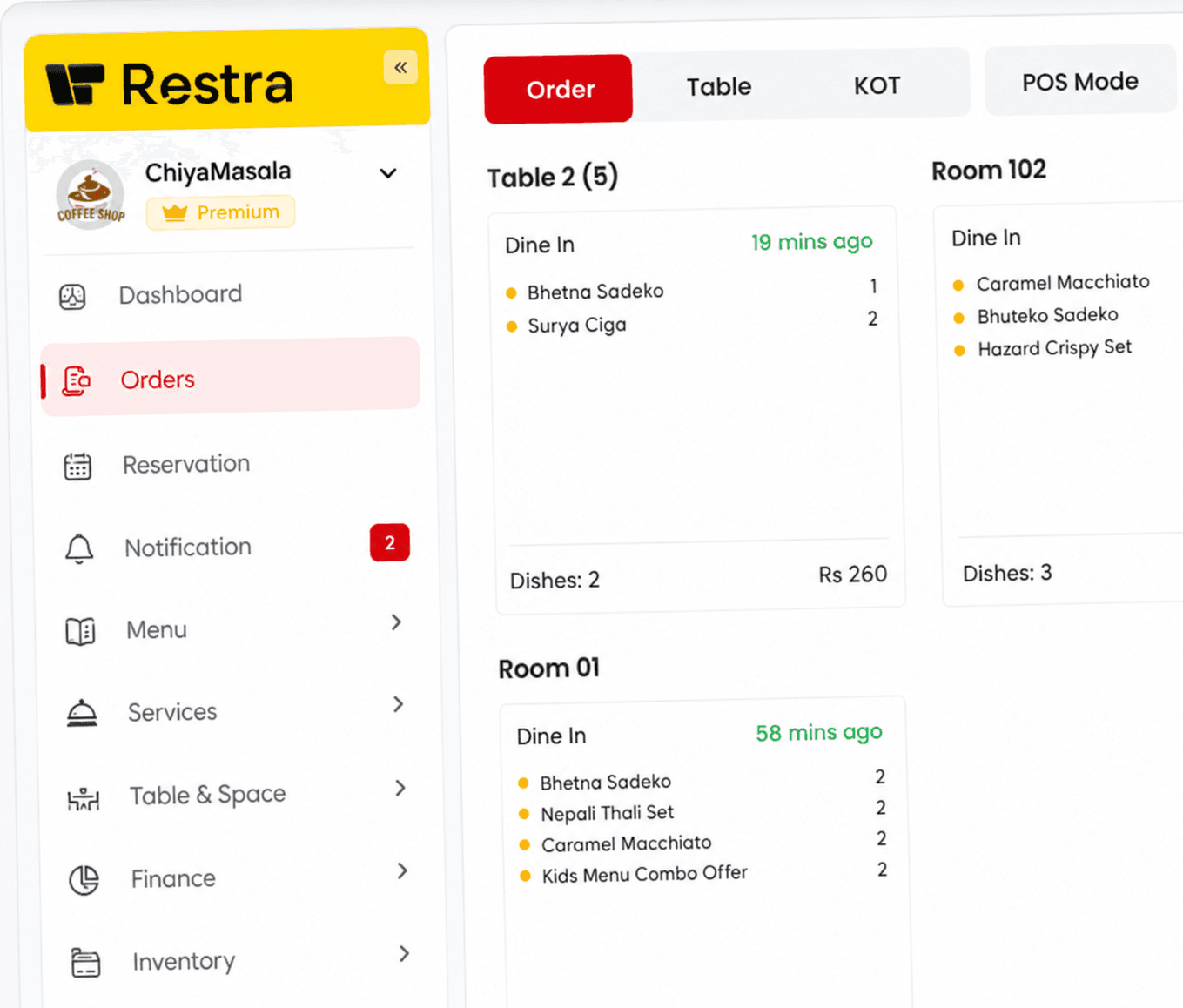
Most restaurants do not start out with a single software problem. They start with several: a billing tool that does not know about the kitchen, orders written on paper, inventory kept in a notebook, and no clear view of the day. A restaurant management system exists to pull those pieces into one connected platform.
POS and billing
Sales and billing are the heart of the operation. A restaurant POS handles orders and transactions at the counter, and connected billing turns served orders into accurate bills without manual totals.
Ordering — including QR
Customers order at the table, at the counter, or remotely. A complete system tracks every dine-in, takeaway, and delivery order in real time, and QR ordering lets customers place their own orders from a digital menu on their phone.
Kitchen workflows
Orders only matter if the kitchen acts on them. A kitchen display workflow routes orders directly to the kitchen and tracks them as confirmed, preparing, ready, and served — so front of house and kitchen share one status.
Inventory
Connected inventory management monitors ingredients, flags low stock, and reflects what actually sold — protecting service from running out mid-shift.
Staff permissions
Not every employee should see every setting. Role-based access gives owners and managers control while letting floor staff work with exactly the tools they need.
Analytics and reporting
At the end of service, the same data that ran the floor becomes the day's report: sales, orders, stock movement, and activity, in one view managers can actually use.
A restaurant management system should feel like one system — because the restaurant already is one.